¶ 1. Creating a Przelewy24 Account
-
Register in the Przelewy24 personal account dashboard.
-
Create your test account (SANDBOX) in the "My Account" → "Test Mode SANDBOX" section.

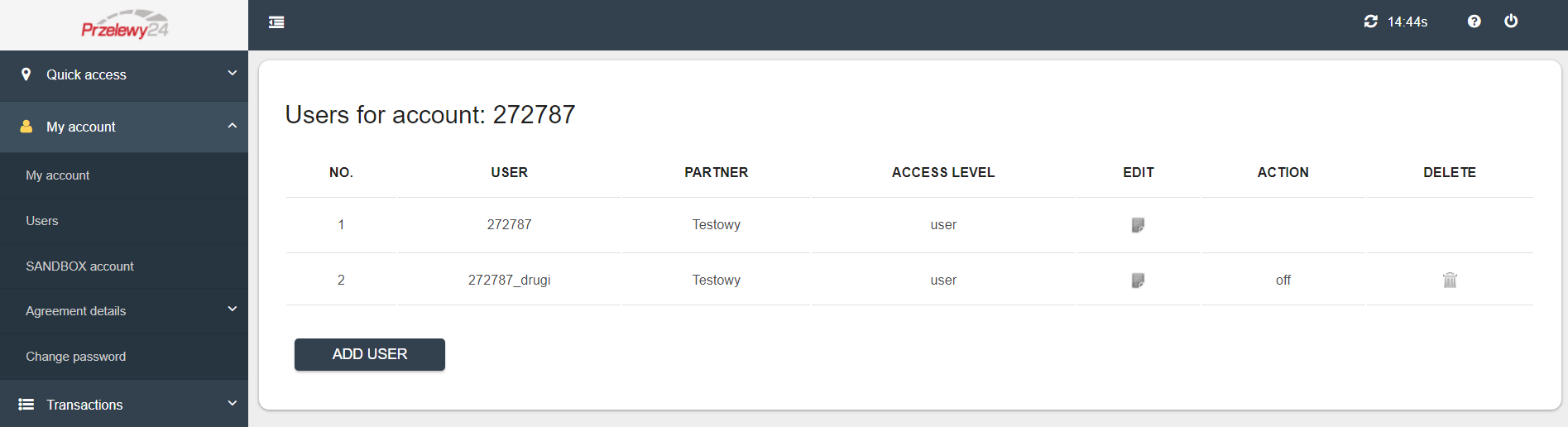
- If needed, you can create and configure team member accounts with different roles and credentials for Przelewy24.
¶ 2. Przelewy24 Account Access Settings
Using the Przelewy24 API with the appropriate API credentials (for both live and test environments):
-
For both versions, be sure to add the “%” symbol to API URLs.
-
Copy the following details:
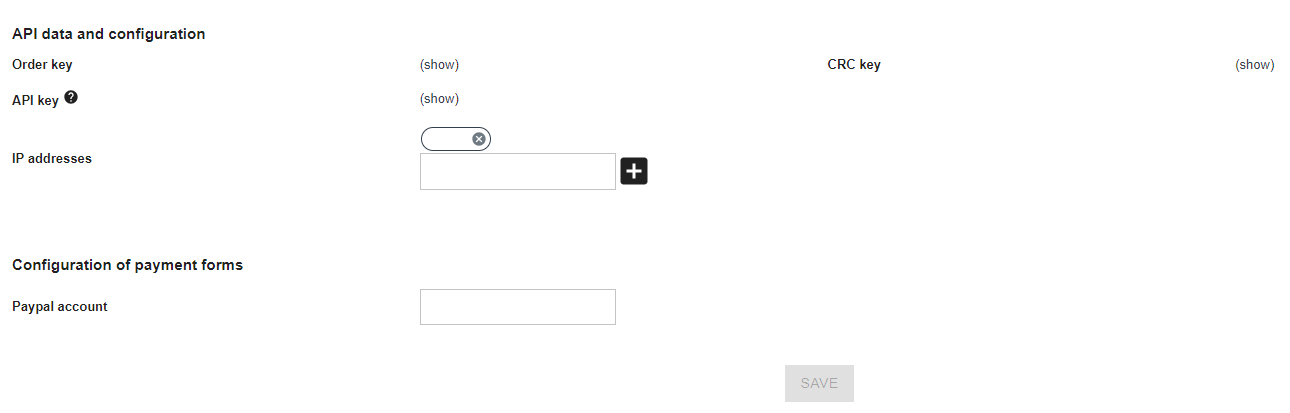
Live Mode:
- User (posId/login) – Przelewy24 account ID (received via confirmation email after registration)
- CRC key – CRC key used for signature calculation
- secretId (API key)
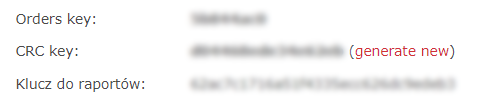
Test Mode:
- User (posId/login) – Przelewy24 test account ID (also from the confirmation email)
- CRC key – CRC key for signature calculation
- Klucz do raportów – Report key
¶ 3. Access Settings in the FoodSoul Dashboard
-
Go to "Integrations" → "Payment Systems" → "Settings" in your FoodSoul dashboard.
-
Click "Add".
-
Enter a name (e.g., "Przelewy24").
-
In the "Payment System" dropdown, select Przelewy24.
-
In Edit Mode, fill in the payment details:
- Delivery Method → select the delivery options to be used
- Operating Mode → choose the desired mode (live or test)
- Account ID → paste the previously copied user (posId/login)
- API Key → paste the previously copied API key or klucz do raportów
- CRC Key → paste the previously copied CRC key
-
Click "Save".
-
Toggle the eye icon 👁 to green to activate the payment method.
To avoid payment errors, check your tax settings in the "Contractors" section.
You have successfully connected the Przelewy24 payment system! 🎉